A switch connects devices within a network, while a router connects networks to each other and to the internet.
Switch
Connects devices within one local network (LAN). Forwards data using MAC addresses. Works at layer 2.
Router
Connects different networks, such as your home network and the internet. Uses IP addresses. Works at layer 3. Often includes a firewall and DHCP.
Home setup
Your Wi-Fi router often has a built in switch.
When you need a switch
To add more wired ports.
Cost
Switches $15 to $100. Routers $30 to $300.
Layer of operation
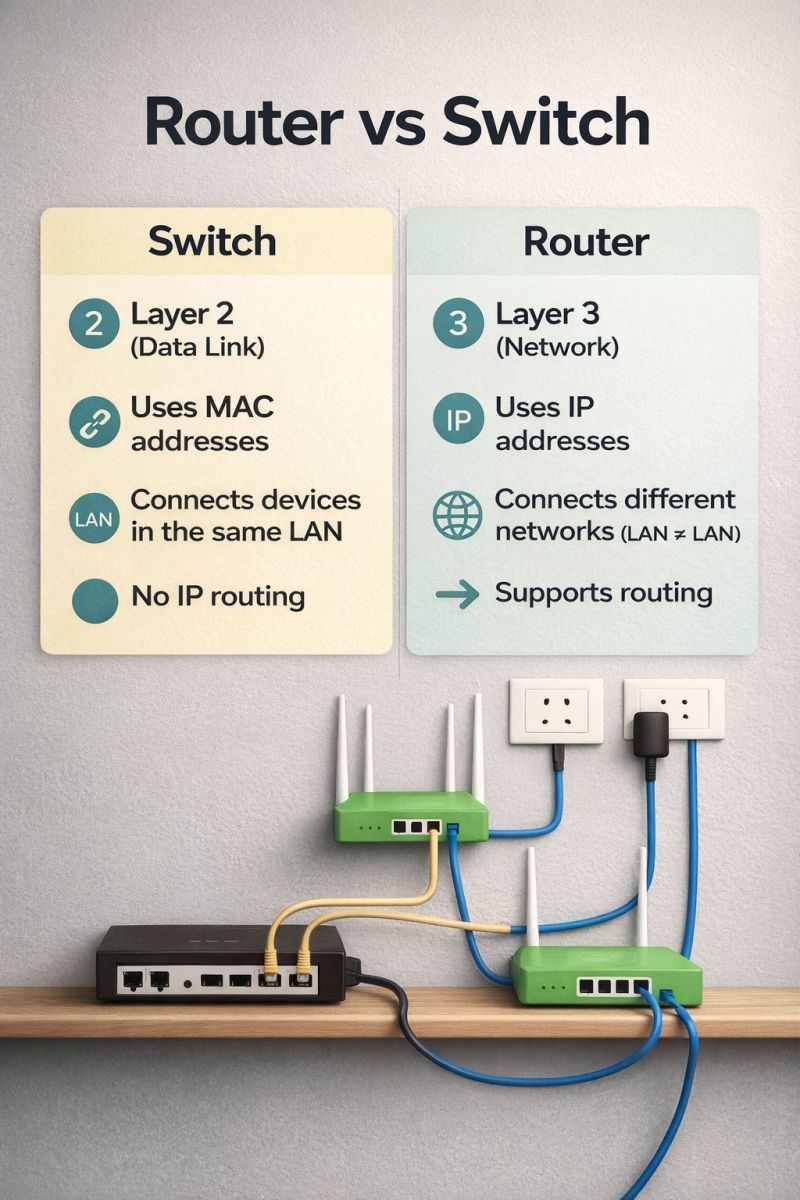
A network switch connects devices within a local network (LAN) and forwards data to the correct device using MAC addresses. A router connects different networks, such as your home network and the internet, and directs traffic using IP addresses.
Typical home setup
Internet service enters through a modem, connects to a router, which provides Wi-Fi and assigns IP addresses (DHCP) and acts as a firewall with network address translation (NAT). Most home routers have built-in switch ports (usually 4).
When you need a switch
- You have more wired devices than router ports, such as computers, consoles, TVs, printers and network storage.
- You want to extend Ethernet to another room.
- You want to connect security cameras with power over Ethernet (PoE).
Types of switches
- Unmanaged: plug and play, cheap, for home use.
- Managed: configurable with VLANs, quality of service and monitoring, used in businesses.
- PoE switches: power devices like cameras and access points through the network cable.

Speed
Common speeds are 100 Mbps (Fast Ethernet), 1 Gbps (Gigabit) and 2.5, 10 Gbps. Check that the switch speed matches your internet speed and devices.
Cost
Basic 5 port gigabit switches cost about 15 to 30 dollars. Routers cost from 50 to 300 dollars or more, depending on features such as Wi-Fi 6 or Wi-Fi 7.
Switch is not a router
A switch on its own cannot connect to the internet or create a network. It requires a router.
Layer 3 switches
Business switches can route between VLANs.
Tips
Use Cat6 cables for gigabit speeds, and avoid daisy chaining many switches.
Router, switch and access point roles
A router connects different networks, such as your home network and the internet, and assigns private IP addresses using DHCP and network address translation. A switch connects devices within one network and forwards frames using MAC addresses. Home routers normally include a small built in switch, usually with four ports, plus Wi-Fi. A managed switch supports VLANs, port mirroring and Quality of Service, while an unmanaged switch is plug and play.

Choosing hardware
Ethernet standards define port speeds: 100 Mbps Fast Ethernet, 1 Gbps Gigabit, 2.5 Gbps and 10 Gbps. Power over Ethernet (PoE) switches supply power to cameras and access points over the same cable, with IEEE 802.3af providing up to 15.4 W and 802.3at up to 30 W per port. Use a switch when you need more wired ports, and an access point when you need to extend Wi-Fi coverage.
Based on data from the IEEE and Cisco