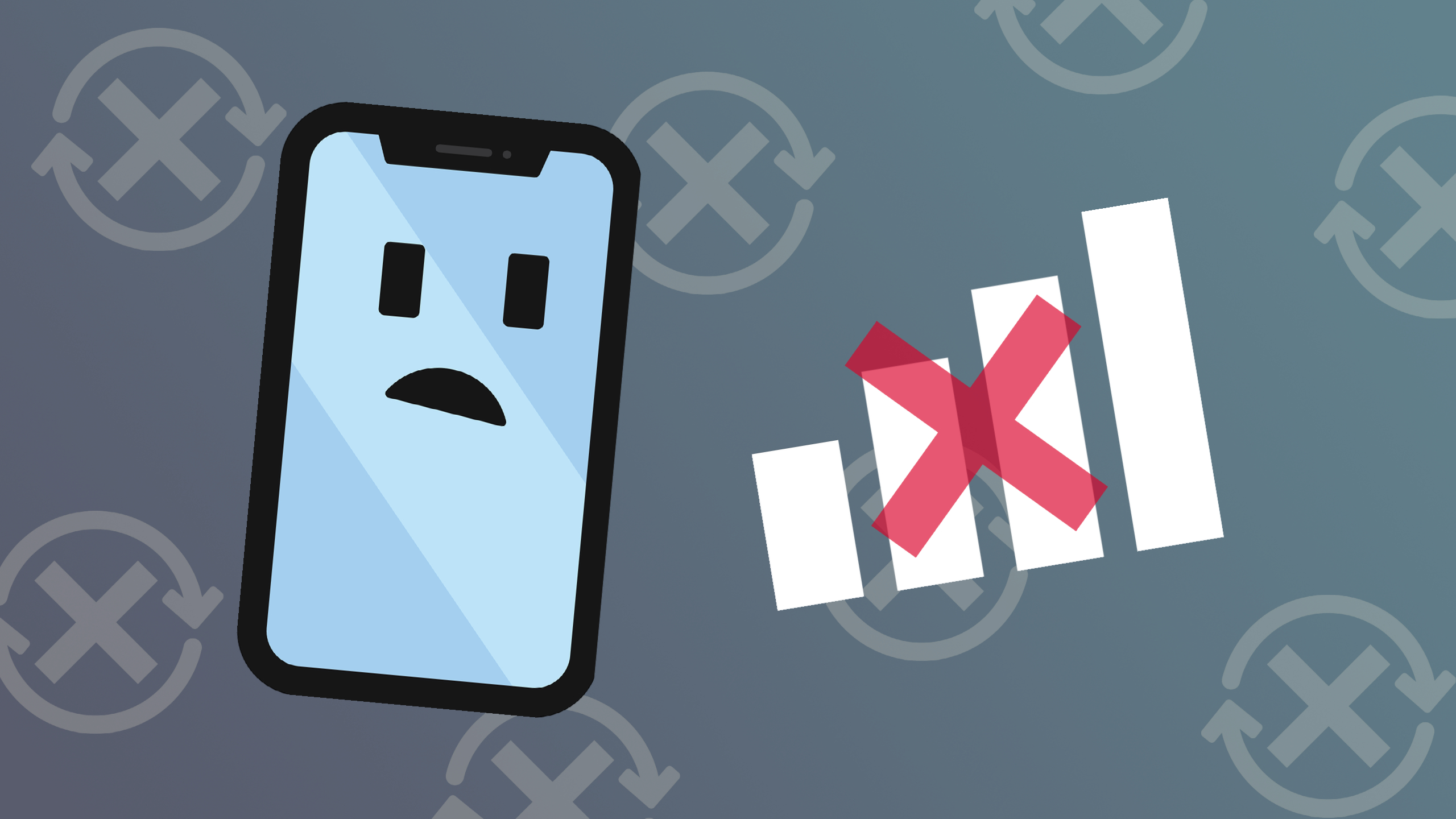
A phone loses service due to weak signal, network outages, a SIM issue, or airplane mode. Restart your phone and toggle airplane mode.
Common causes
- Weak signal or no coverage.
- Network outage.
- SIM card problems.
- Airplane mode on.
- Software glitch.
- Unpaid bill.
Fixes
- Toggle airplane mode.
- Restart the phone.
- Reinsert the SIM.
- Update carrier settings.
- Reset network settings.
Check
Look at your carrier’s outage map.
Call
Your carrier if the problem continues.
Network and signal issues
- Weak signal in buildings, basements, rural areas and tunnels.
- Carrier outage. Check your carrier’s status page or social media.
- Tower maintenance or congestion at crowded events.
- Travel outside your coverage area or roaming turned off.
Phone settings
- Airplane mode turned on.
- Cellular data or roaming off.
- Incorrect network mode.
- Call or data limits.
SIM card problems
A SIM card can come loose, get damaged or be deactivated. Eject and reinsert it. eSIM may need to be reactivated.
Account problems
Unpaid bill, suspended account, plan expired or a locked phone.
Software problems

Outdated carrier settings or operating system bugs.
Quick fixes
- Toggle airplane mode on for 30 seconds and then off.
- Restart the phone.
- Remove and reinsert the SIM.
- Update carrier settings and the operating system.
- Reset network settings (Settings, General, Transfer or Reset, Reset Network Settings on iPhone).
- Move near a window or outside.
- Turn on Wi-Fi calling in weak coverage areas.
- Check coverage map.
Phone case or damage
Thick metal cases and water or drop damage can affect the antenna.
Call your carrier if
Service doesn’t return after these steps, your SIM is not detected, or your account has an issue. Ask if there is an outage or if your device is blocked.
Emergency calls
Phones can generally place 911 calls through any available network, even without service from your carrier. Wi-Fi calling can also place emergency calls.
Troubleshooting order
Start by toggling airplane mode for 10 seconds, then restart the phone. Check that mobile data and the correct network are selected, remove and reinsert the SIM or reset the eSIM, and update carrier settings. If the phone is locked to another carrier or the IMEI is blocked, service may be refused. Outages can be checked on the carrier’s status page or Downdetector.

Account and hardware causes
Unpaid bills, suspended lines or SIM swaps can cut service. Damaged antenna, water damage or an old cracked phone can reduce reception. Resetting network settings (Settings, General, Transfer or Reset, Reset Network Settings on iPhone) can fix configuration problems but erases saved Wi-Fi passwords. Contact the carrier if the problem persists, and use Wi-Fi calling in weak coverage areas.
Based on data from Apple Support and the Federal Communications Commission